


Variants, limitations and the question of when a cross-system AI workplace makes sense
“But we already have Copilot.” This is what many companies say as soon as AI in everyday work comes up. Microsoft is in place, Copilot comes with it – so the need for enterprise AI must be covered.
It is not quite that simple, though. This article explains which Copilot offerings are relevant for companies, how they differ in terms of features, data protection and costs, and when a cross-system AI solution can make sense.
Microsoft Copilot in the Enterprise: Which Product Do You Mean?
When you talk about “Copilot” – which one do you actually mean? This very first question shows why the comparison is harder than it sounds.
Microsoft Copilot is not a single product. The name covers several offerings with different features, data protection terms, licenses and costs. The free consumer Copilot is something different from Microsoft 365 Copilot Chat. And anyone who needs agents, automations or external channels quickly ends up with additional components such as Copilot Studio.
Microsoft Copilot Free or Paid: What Is the Difference?
Four variants are particularly relevant for companies:
- The free consumer Microsoft Copilot for personal Microsoft accounts.
- Microsoft 365 Copilot Chat as a free add-on for eligible Microsoft 365 users.
- Microsoft 365 Copilot Business or Enterprise as a paid solution with deep Office integration.
- Agent Builder and Copilot Studio for custom agents, actions and automations.
A freely available AI chat is therefore not automatically a comprehensive enterprise solution.
Copilot Variants Compared
| Variant | Target group | Costs / licensing | Core features | Integration into Microsoft 365 | Important notes |
|---|---|---|---|---|---|
| Free consumer Microsoft Copilot | Private users with a personal Microsoft account | Free of charge | Research, text drafts, summaries and image creation | No comprehensive enterprise integration | Different data protection and training terms apply to personal Microsoft accounts than to enterprise offerings. Confidential company information should not be processed in a personal AI account without review. |
| Microsoft 365 Copilot Chat | Eligible users with an organizational account | No additional Copilot fee for eligible Microsoft 365 users | AI chat, web research, file and web page summaries and certain agent features | More limited than the fully licensed Microsoft 365 Copilot | Copilot Chat is not the same as the fully licensed Microsoft 365 Copilot. Deep integration into Word, Excel, PowerPoint, Outlook and Teams and the broader work context are not fully part of the free offering. |
| Microsoft 365 Copilot Business or Enterprise | Companies and organizations | Paid; an eligible Microsoft 365 plan is also required | Writing and editing text, email summaries, data analysis, presentation preparation and summaries of meetings and chats | Deep integration into Word, Excel, PowerPoint, Outlook and Teams; access to Microsoft Graph data within existing permissions | An obvious choice for companies whose knowledge and workflows are mainly in Microsoft 365. More complex agents and automations may require additional components. |
| Agent Builder and Copilot Studio | Companies that want to build their own agents, actions and automations | Depends on usage; options include pay-as-you-go billing or capacity packs | Development of custom agents, actions and automations | Can be connected to Microsoft 365, Power Platform, connectors and other services | More complex scenarios may require additional components such as Copilot Studio, Azure, credits, connectors or Power Platform services. |
Swipe sideways to see all columns.
Microsoft Copilot vs. Kauz aiWorkplace: Is a Cross-System AI Workplace Right for You?
Microsoft 365 Copilot is primarily the AI assistant for the Microsoft 365 world. Kauz aiWorkplace is designed as a system- and model-independent AI workplace for research, analysis, document work, company knowledge and controlled workflows.
1. Technological Independence Through Multiple Model Providers
Kauz aiWorkplace brings models from different providers together in one shared working environment, including OpenAI, Anthropic, Google and Mistral as well as open-source model families such as DeepSeek, Qwen, GLM and MiniMax. For image generation, Google Gemini “Nano Banana” and the German model FLUX by Black Forest Labs are among the integrated models. The selection is continuously being expanded.
Kauz Selection automatically assigns requests to a suitable model based on defined criteria such as task type, expected quality of results and cost-efficiency.
The decisive point is long-term technological independence: companies do not permanently commit to a single model provider or a single platform logic.
2. Freedom of Choice in Data Storage and Operation
Kauz aiWorkplace can be operated as a managed service in EU data centers of European providers or, if required, on-premise. Company data is not used to train external models. Role-based access and logging support controlled use within the company.
As a German company, Kauz.ai is committed to European data security and digital sovereignty. This includes European infrastructure, defined data space boundaries and the option to use suitable European and open models.
3. Company Knowledge Across System Boundaries – But Not Unchecked
Microsoft Copilot is closely connected to Microsoft Graph, SharePoint, OneDrive, Teams and Office. In practice, however, relevant expert knowledge is often spread across different systems.
In addition to Microsoft sources, Kauz aiWorkplace can integrate Confluence, Notion, Google services and specialized business applications such as Kencube and myODAV via interfaces. The goal is central access to the sources that are actually relevant for the respective business process.
4. The Business Process in One Platform Instead of Additional Components
With Power Automate, Copilot Studio, agent flows and connectors, Microsoft offers various tools for automation. A complete business process may therefore involve several products, licensing models and administration areas.
In Kauz aiWorkplace, custom agents and no-code workflows are included directly in the same working environment in which employees research, analyze, create documents and use company knowledge.
Conclusion: The Product Name Is Not What Matters
With Copilot Chat, Microsoft 365 Copilot, Agent Builder and Copilot Studio, Microsoft Copilot covers different tasks. Companies that already use Microsoft 365 therefore do not automatically have all the AI functions, knowledge sources and processes they need.
So the key question should not be: “Do we have Copilot?” It should be:
“Can we use the chosen solution to run a specific business process reliably, in a controlled manner and at predictable total costs?”
This involves more than writing a text or summarizing a meeting. What matters is whether the relevant sources are accessible and properly maintained, whether permissions are correct, whether results can be verified and whether approvals, filing or follow-up actions are possible afterwards. Equally important is how dependent the company wants to be on a single provider, model and platform architecture in the long term.
That is why you should compare not just assistants, but a complete real-world process. Only a practical test shows which solution delivers better results, requires less rework, integrates the necessary systems and offers more control in the long term.
Would you like to check this for your use case? Choose a real process together with us. We will then compare quality, sources, rework, integration, operation and costs under real-world conditions.
Discover Kauz aiWorkplace or try it for free right away.
Sources and Further Information
- ARD Sounds: “Was stimmt nicht mit dem Microsoft Copilot?” (German)
- Microsoft FY26 Q4: Earnings Release and Webcast
- Microsoft Community Hub: more than 450 million commercial Microsoft 365 seats in FY26 Q2
- Microsoft 365 Copilot: Plans and Pricing in Germany
- Microsoft Copilot Studio: Pricing and Credits
- Microsoft Learn: Enterprise Data Protection in Microsoft Copilot and Copilot Chat
- Microsoft Learn: Data, Privacy and Security for Microsoft Copilot
- Microsoft Learn: Privacy and Protections in Copilot Chat
- Microsoft Learn: Get SharePoint Ready for Copilot and Agents
- Microsoft Learn: Optimize SharePoint Content for Employee Self-Service Agents
- Microsoft Learn: Agent Flows in Copilot Studio
- Microsoft Learn: Power Automate License Types
- Kauz.ai: Kauz Selection – the right AI model for every task
Pricing and product information as of August 27, 2026. Microsoft pages, promotional prices and feature sets are subject to change.
Smart AI Solutions for Small and Medium-Sized Businesses
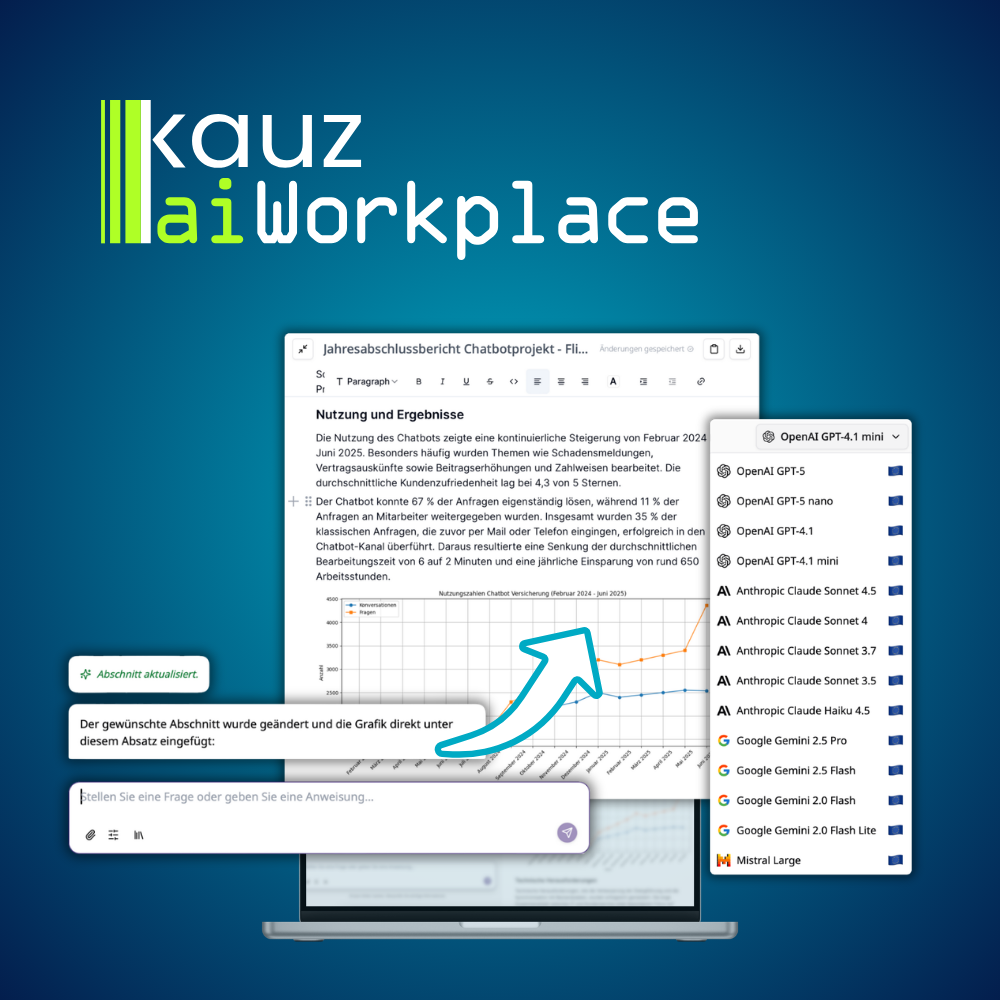
AI Workplaces for Your Specialist Teams
Give your employees access to all relevant AI tools via one central workspace and actively manage the use of AI in your company.
Learn more now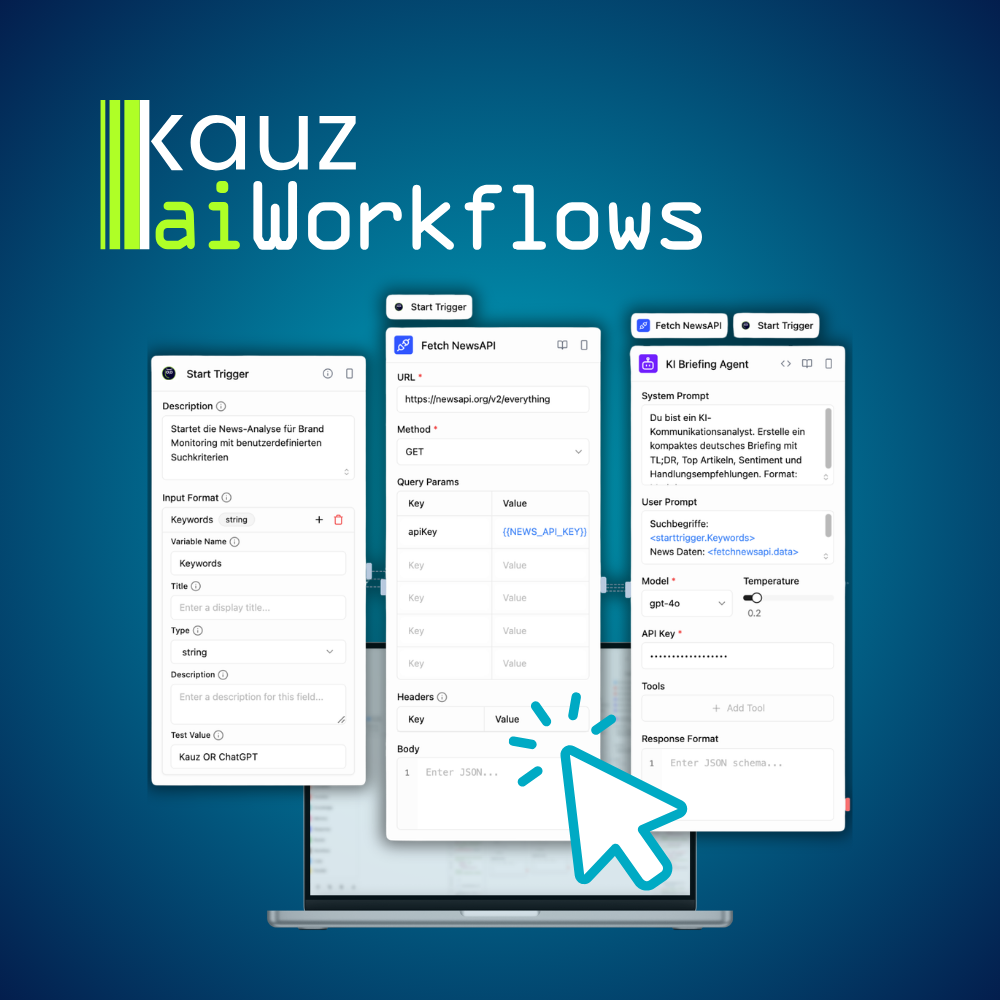
Cross-Channel AI Automations
With more than 80 integrations, templates and 500 actions, you can quickly and easily automate a wide range of work processes.
Learn more now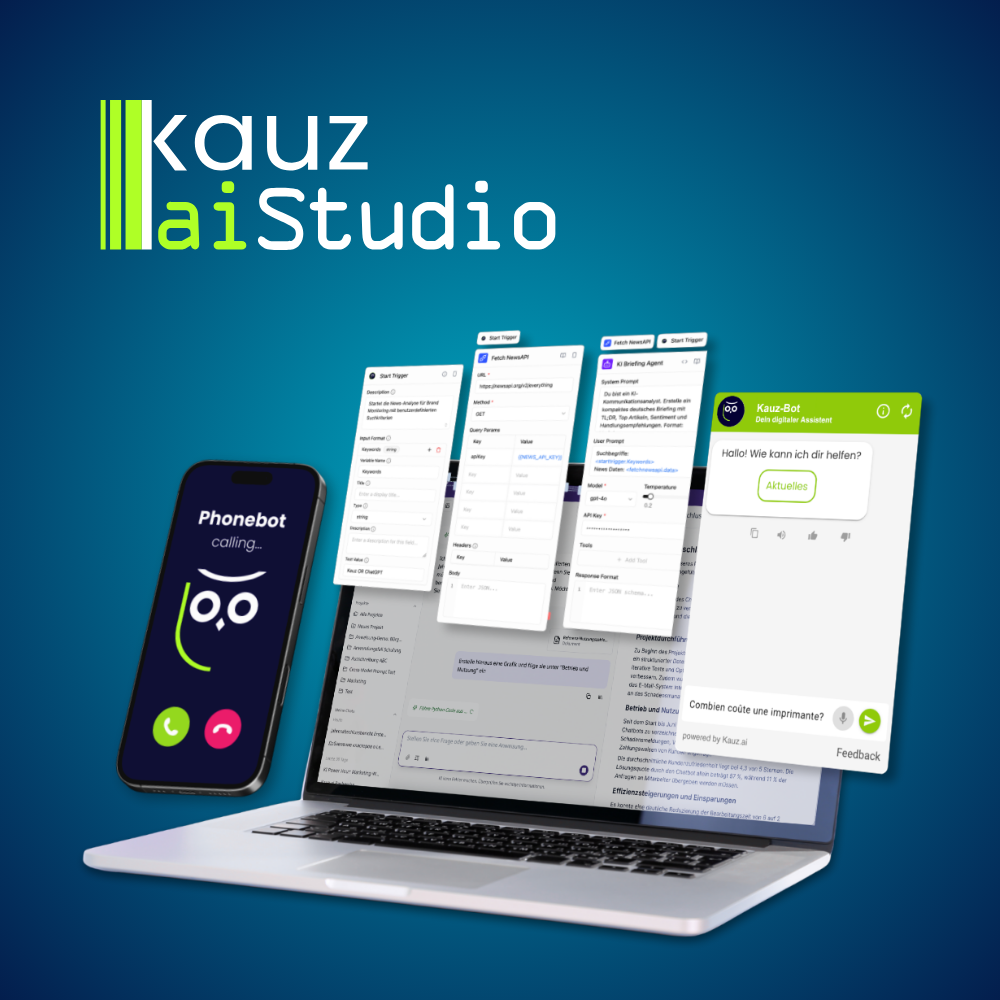
Actively Shape AI Communication
Whether it is your intranet or external chatbot or your phonebot – in aiStudio you can actively shape response behavior, review ongoing dialogues and initiate further measures.
Learn more now