

The No-Code Builder


aiWorkflow Builder: The new generation of process automation

80+ integrations
500 actions
Co-Pilots & Templates
aiWorkflows are included in the aiWorkplace
No extra license, no platform costs.

Build unlimited workflowsfrom the Standard seat
Everyone on the teamcan run deployed workflows
Runs use your AI points quotajust like chats and agents

“We see agentic workflows as one of the key topics in AI. The Kauz.ai platform stands out for its close integration with the aiWorkplace and its clear focus on productive use rather than experimentation.”
Workflows-as-a-Service

aiWorkflows for AI champions
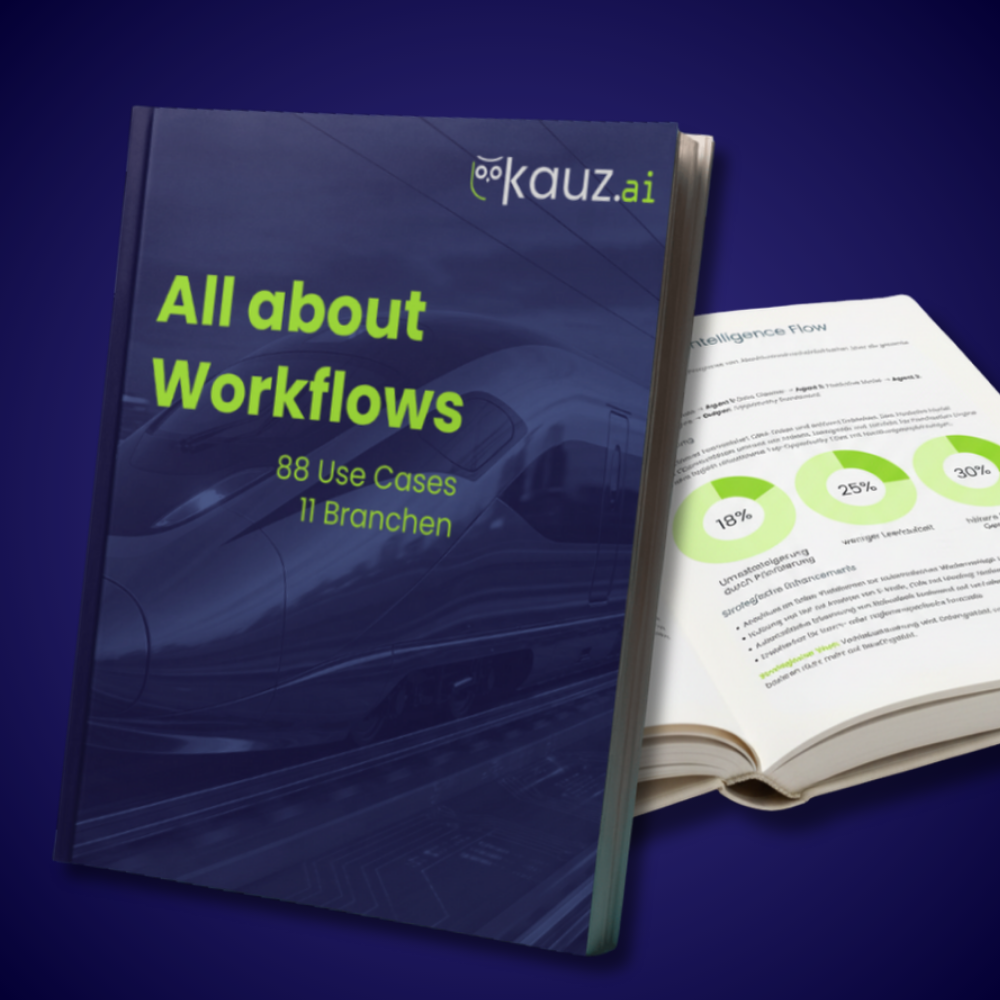
E-Book: AI workflows
Take a look at the levels of detail of different AI workflows (in German).
Download now
FAQs
aiWorkflows run on Kauz.ai platform and can be connected to existing systems such as Microsoft, Google, Atlassian, or Notion via more than 80 integrations. Authentication is handled securely through individual user accounts.
Yes, with aiWorkflows, you can implement human-in-the-loop processes. Workflows can pause at critical points, obtain human approval, and then continue automatically. This allows you to combine efficient automation with control and transparency.
The cost of an aiWorkflow run consists of a fixed cost of 0.5 AI points per run, plus the cost of the AI models used. Example: A workflow that processes emails daily and generates summaries using GPT-4.1-mini requires approximately 1 to 1.5 AI points per run. By choosing the right models, you can strike the optimal balance between quality and cost.
In aiWorkplace, you can create an unlimited number of workflows and manage user structures. Workflows can be integrated with internal systems such as SharePoint or Kencube and scale flexibly with your usage volume. The aiWorkflowBuilder is available starting with the Standard Seat. Each workflow run incurs 0.5 AI points (plus any points for AI agents used), which are deducted from the respective user’s quota.
In aiWorkplace, you can keep track of your workflows at all times. You can see their current status, past executions and the results achieved. The outputs are delivered directly and, depending on the workflow, can be in the form of text or a linked document, for example. Workflow administrators can also centrally manage, customize, test, and deploy workflows for their teams.