Coming soon Kauz Cowork launches shortly
Agentic AI in the aiWorkplace

Coming soon Kauz Cowork launches shortly
Agentic AI in the aiWorkplace
How Kauz Cowork works
You describe the goal, Kauz Cowork takes care of the individual steps. You watch your result take shape live.
Understand
Reads your task, your material and the selected template.
Research
If material is missing, Kauz Cowork researches the web and backs up the facts with sources.
Build
Builds the result on your template – for presentations, several slides at once.
Check
Reviews its own result. In addition, fixed rules check totals, placeholder text, overlaps and sources.
Refine and deliver
Improves weak spots and hands you the finished file. A PowerPoint stays fully editable: text, tables and charts are real elements, not images.
Chat and Cowork compared
Two equal ways of working in the aiWorkplace, switchable with one click in the input field. In Chat, you ask questions and work on texts and ideas in a dialogue. In Cowork, you give a task that Cowork completes step by step until the result is finished. Your task decides which one fits.
| Chat | Cowork | |
|---|---|---|
| You provide | a question or instruction | a task with goal, material and template |
| Focus | texts and answers you keep working with | finished files on your template: PowerPoint, Excel, Word or web page |
| Formatting, calculating, checking | is up to you | is handled by Cowork, which checks the result itself before handing it over |
| Way of working | dialogue, answer in seconds | agentic in its own workspace, usually a few minutes |
| Suited for | questions, drafts, wording, summaries | presentations, reports, proposals, analyses, web pages |
Switch whenever you like: The toggle in the input field switches between Chat and Cowork, and any text you have already typed comes along. Below every answer in Chat you will also find “Continue in Cowork”. Cowork then takes over the chat up to that answer, including the attached files.
More about the aiWorkplacePresentations and documents in your Corporate Design
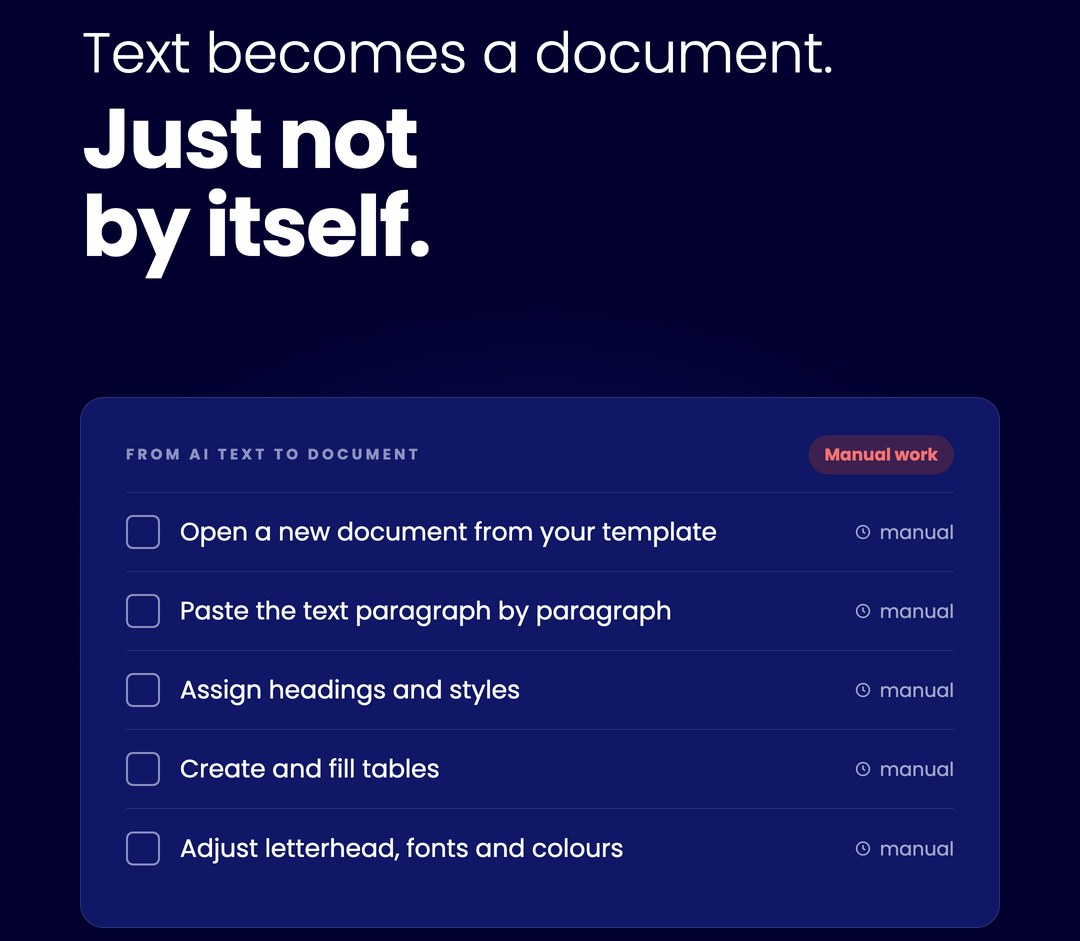
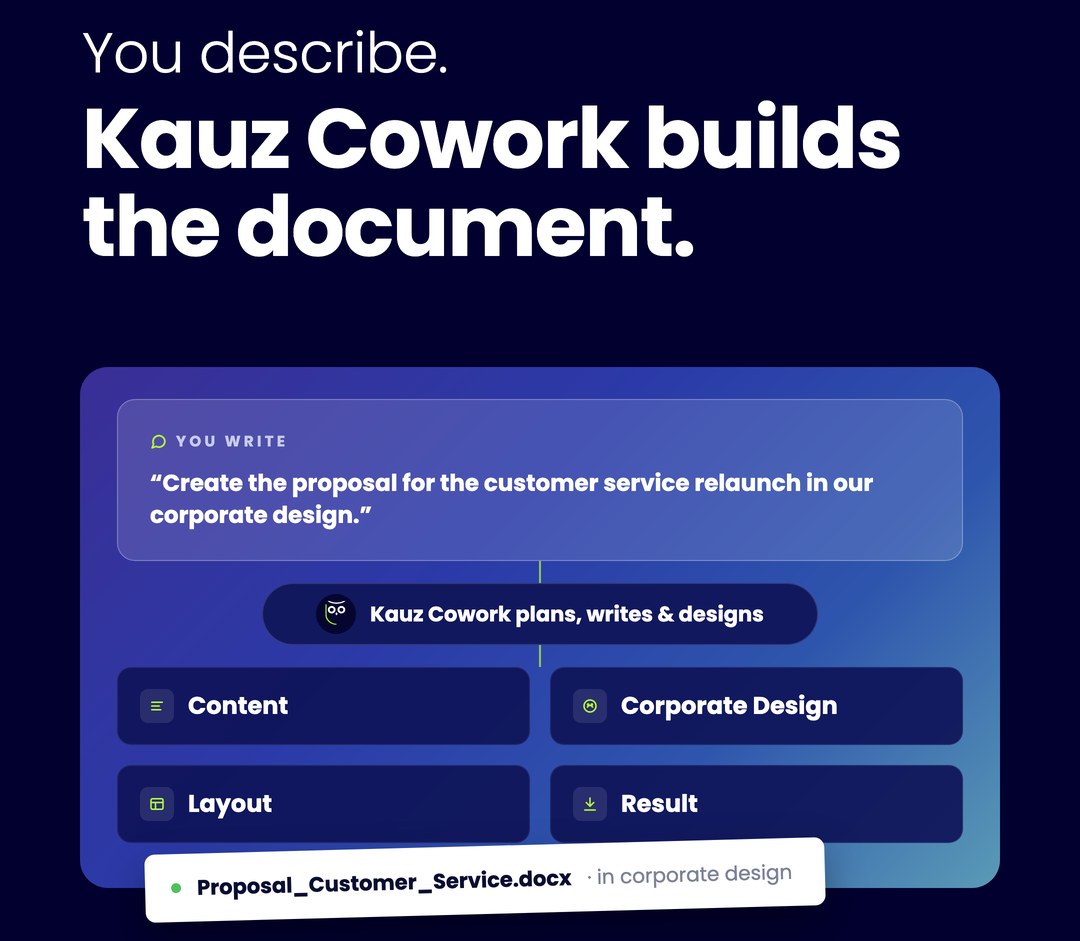
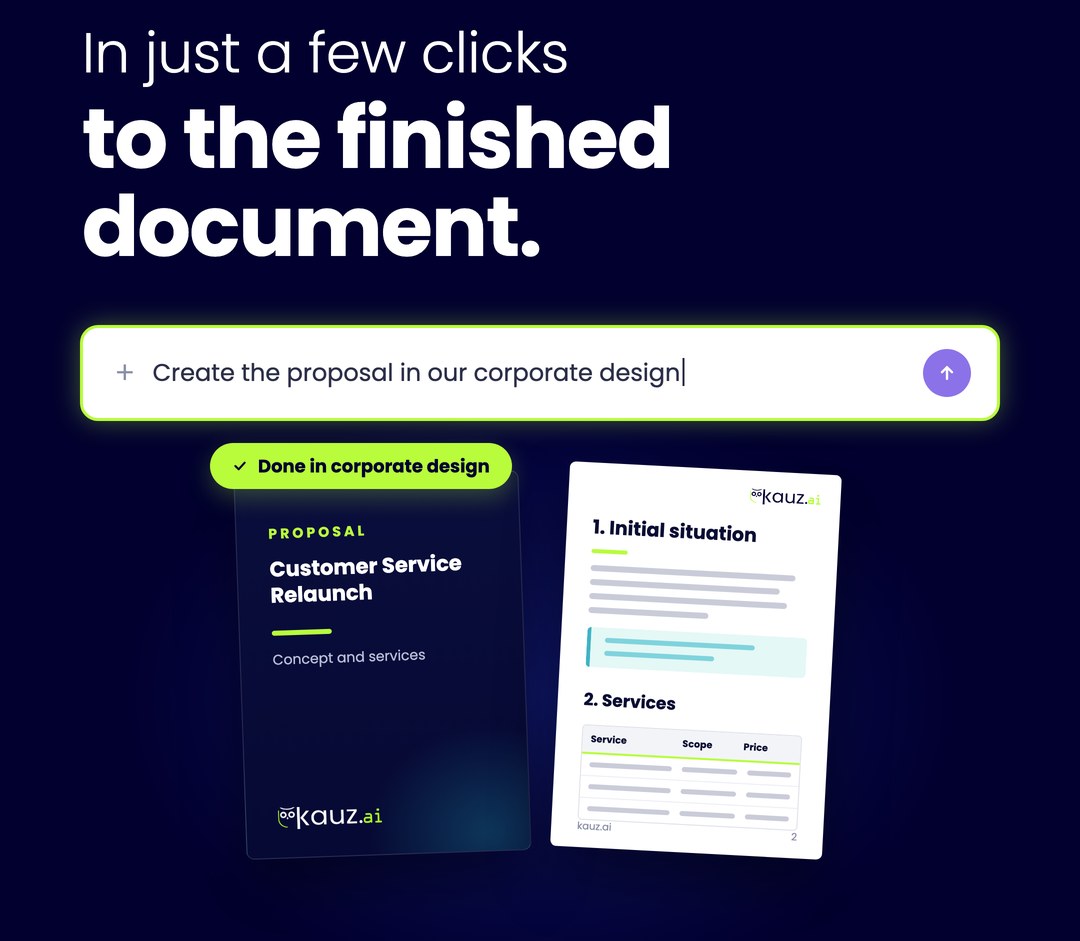
Hand over an external deck or your key facts. Kauz Cowork builds the result on your template and applies background, logo, colours, fonts and footers. No more reformatting by hand.
- Transfer existing presentations to your design
- Proposals and letters on your letterhead, right down to DIN 5008 formatting
- Templates managed centrally for the whole organisation, even from PDFs or screenshots
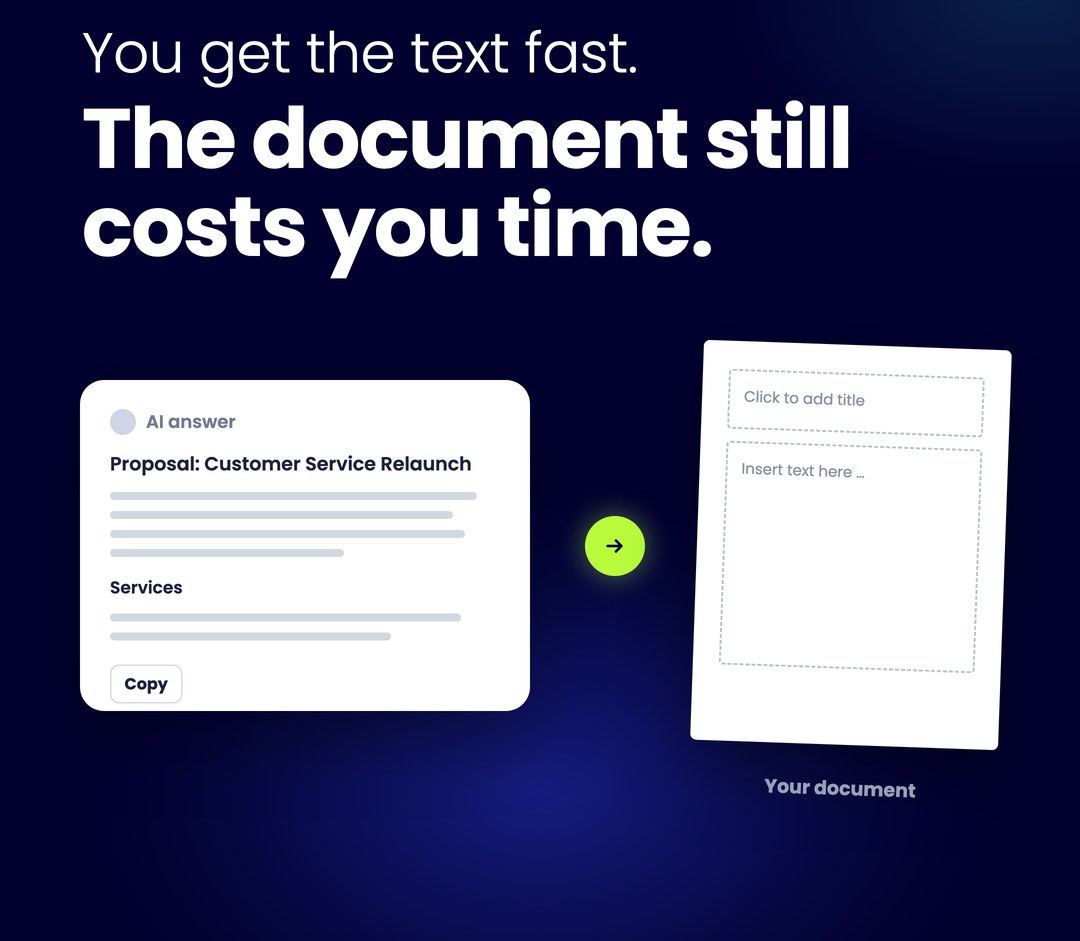
In the example on the right, a proposal is created. Click through the five steps.
Calculations and financial plans as an Excel workbook
Kauz Cowork builds you an Excel workbook with highlighted input cells and real formulas. Change an input and the workbook recalculates. An existing spreadsheet, a PDF or the calculation logic described in words is all it needs to start.
| Item | Jan | Feb | Mar |
|---|---|---|---|
| Revenue | 84,200 | 91,500 | 88,900 |
| Staff | -46,000 | -46,000 | -48,500 |
| Rent & operations | -12,400 | -12,400 | -12,400 |
| Investments | 0 | -18,000 | 0 |
| Balance | 25,800 | 15,100 | 28,000 |
Web pages and dashboards to share
Kauz Cowork also builds interactive web pages such as dashboards, calculators or comparison pages. Filters, sliders and charts really work, and you share the page across your company with a link.
- Share with your organisation: via link just for you, for everyone in your organisation, or publicly if your admins allow it
- When new figures come in, Cowork rebuilds the dashboard with them
Even more use cases
A few examples from everyday work.
Keep working on existing files
- You provide
- your presentation or Excel workbook and the change you want
- You get
- a new version, for example with revised slides, an additional sheet or in your design. The original is kept
Many files, one task
- You provide
- an entire folder with up to 300 files, including from OneDrive or SharePoint
- You get
- an analysis or summary across all files
Data from a PDF
- You provide
- a PDF, such as a floor plan or a list
- You get
- a spreadsheet you can analyse instead of manually typed figures
Recurring report
- You provide
- a previous report as a model and the new information
- You get
- a report with the same structure and the new figures
Minutes from notes
- You provide
- your notes, bullet points are fine
- You get
- organised minutes with decisions and action items
Review comments on a document
- You provide
- the document to be reviewed and your review criteria
- You get
- a draft of comments that names the relevant passages with page numbers
Costs under control with the Kauz Selection
Like the rest of the aiWorkplace, Kauz Cowork is billed in AI points from your seat’s monthly allowance. Instead of individual models, you choose one of two Kauz Selection tiers, which uses a suitable model for each type of task.
Kauz Basic
Fast and affordable. With the first task of each type, Kauz Basic picks a suitable model and keeps it for the whole session.
Kauz Premium
Best quality for each type of task, but more expensive. Especially worthwhile for complex documents and design tasks.
An Excel analysis or interactive web page costs about 5 to 15 AI points in both tiers. For comparison: a simple text in Chat costs about 2 to 3 AI points.
Predictable costs with fixed limits
The default is 500 AI points. Once the budget is used up, Cowork pauses and your finished files are kept.
A counter in the session shows you how many AI points have been used and how many are left.
Additional AI points beyond the allowance are switched off by default and can only be enabled with a fixed euro limit.
Guide values from internal tests, as of October 2026.
Secure and GDPR-compliant
Kauz Cowork is a feature of the aiWorkplace and works exclusively within it. That is why you can also use Cowork for confidential tasks such as financial plans or proposals.
EU hosting & GDPR
The aiWorkplace is hosted in the EU and is GDPR-compliant.
No model training
Kauz does not train models with your data and does not pass it on to providers for training purposes.
Stays in your aiWorkplace
Cowork works in a protected area within your aiWorkplace and accesses nothing outside it. Research only happens via the built-in web search.
You stay in control
Your admins decide whether artifacts may be shared publicly and provide templates centrally for the whole organisation.
Try Kauz Cowork in the aiWorkplace
Kauz Cowork is included in the aiWorkplace trial. You can try the aiWorkplace right away, and Kauz Cowork will be activated shortly. Start with your first task and get your result in your own corporate design.
- Try all aiWorkplace features for 7 days, no commitment
- No credit card required
- No automatic renewal
Kauz Cowork in Action

More about Kauz Cowork
Live webinar: Autumn Release 2026
See Kauz Cowork live on 16 October 2026 at 11 a.m. (CEST) – together with other new features. 60 minutes, online and free of charge.
Register now
Blog: Creating PowerPoint with AI
5 tips on template, context, storyline, polish and data protection – for presentations that impress in your corporate design.
Read the articleFAQs
Kauz Cowork is a feature in aiWorkplace. Use the toggle button in the input field to switch between Chat and Cowork. In Cowork, you describe what you want created, and you’ll receive a finished file: a PowerPoint presentation using your company’s template, an Excel analysis, a Word document on your letterhead, or an interactive website.
Agentic means: Kauz Cowork completes an assignment in several steps and within its own workspace. Cowork reviews your material, plans the steps, conducts research as needed, builds the final product, checks it thoroughly, and makes any necessary revisions. If a decision shapes the result, Cowork asks you first; individual steps won’t proceed until you’ve given your approval.
Kauz Cowork is part of the GDPR-compliant aiWorkplace. Kauz does not train models using your data and does not share it with providers for training purposes. Kauz Cowork operates in a secure workspace within your aiWorkplace, without open internet access and without access to other systems.
For presentations, yes: You provide the presentation and the target language, and you’ll receive the same presentation in the other language—using the same template and retaining the original layout. Review the translation as usual before sharing it externally.
Artifacts are interactive websites that Kauz Cowork builds for you—such as dashboards, calculators, or comparison pages—customized to match your corporate design upon request. You can share them privately, within your organization, or publicly via a link.
Yes. Kauz Cowork is included in the 7-day trial version of aiWorkplace. You don’t need any additional apps or to install anything.
No. Kauz Cowork is a feature in aiWorkplace. With your aiWorkplace license, it’s available to you right away—at no extra charge and without needing to be activated. Usage is tracked through your seat’s AI points, just like in chat.
Because Cowork goes through several steps, a request takes longer than a chat reply: A presentation with about ten to fourteen slides—including research and review—typically takes a few minutes. You can watch the intermediate steps unfold in real time—or you can keep working on something else in the meantime.
Yes. You can start multiple Cowork sessions at the same time and continue working in the chat or in another session while they’re running. In the sidebar, you can see for each session what they’re currently working on, whether they’re waiting for a response from you, or whether the result is ready.
Like the rest of aiWorkplace, Kauz Cowork is billed in AI points, drawn from your existing quota. Because Cowork involves multiple steps, a task requires more points than a chat response. You can find guidelines for both levels of Kauz Selection and a breakdown further up on this page. Each session has its own budget, and additional usage beyond your quota is disabled by default.